Your library, on Apple TV and iPad.
Blad opens the magazines, e-books and comics you already own, straight from your own storage, and shows them sharp in 4K on the TV in your living room.

- Five titles free. Then US$8.99 once. No subscription.
- Out now for Apple TV. Only in the App Store on Apple TV. Blad for iPad is coming soon.
- Your own files. PDF, EPUB, CBZ and CBR without copy protection (DRM). Blad has no store.
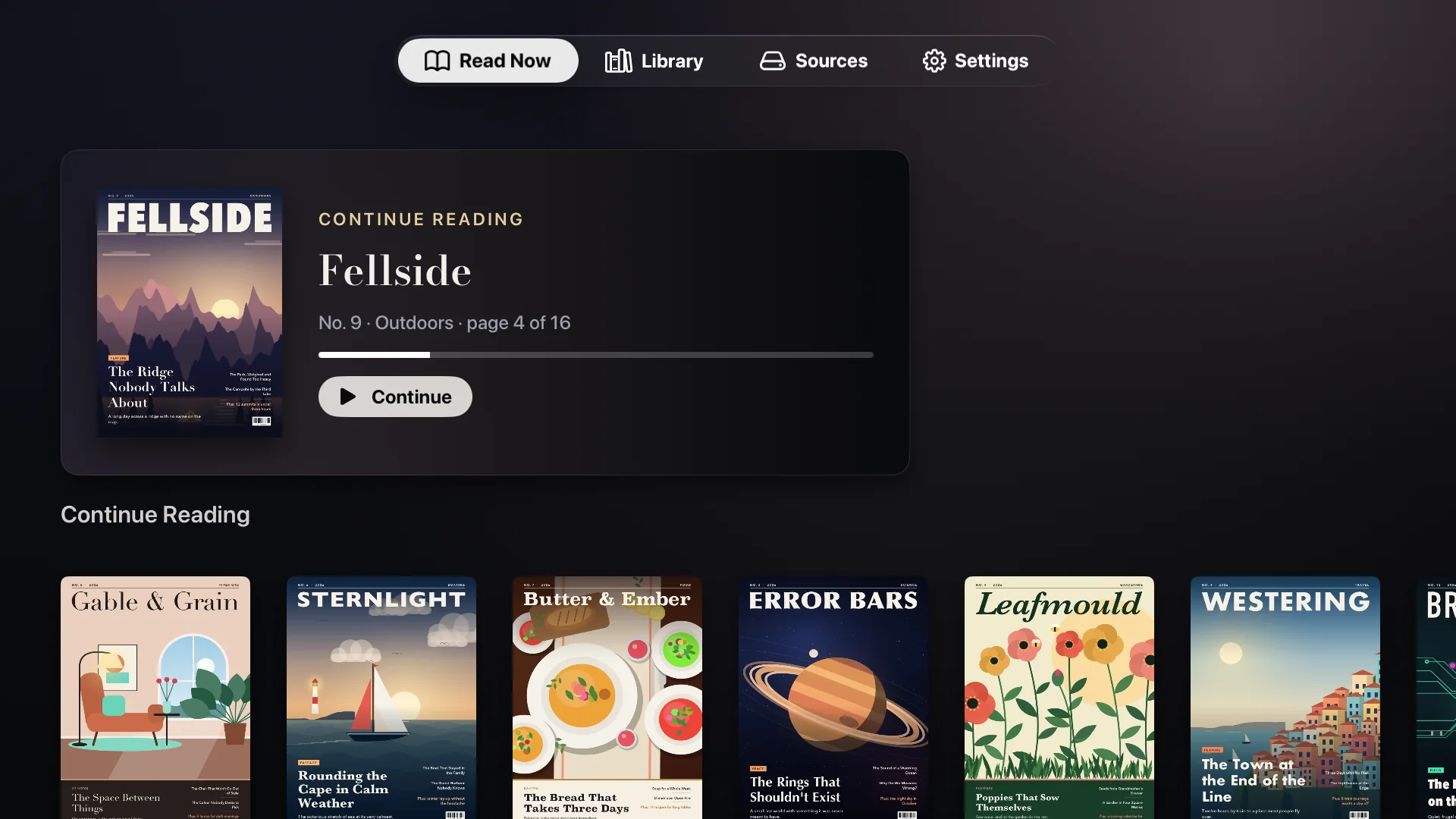
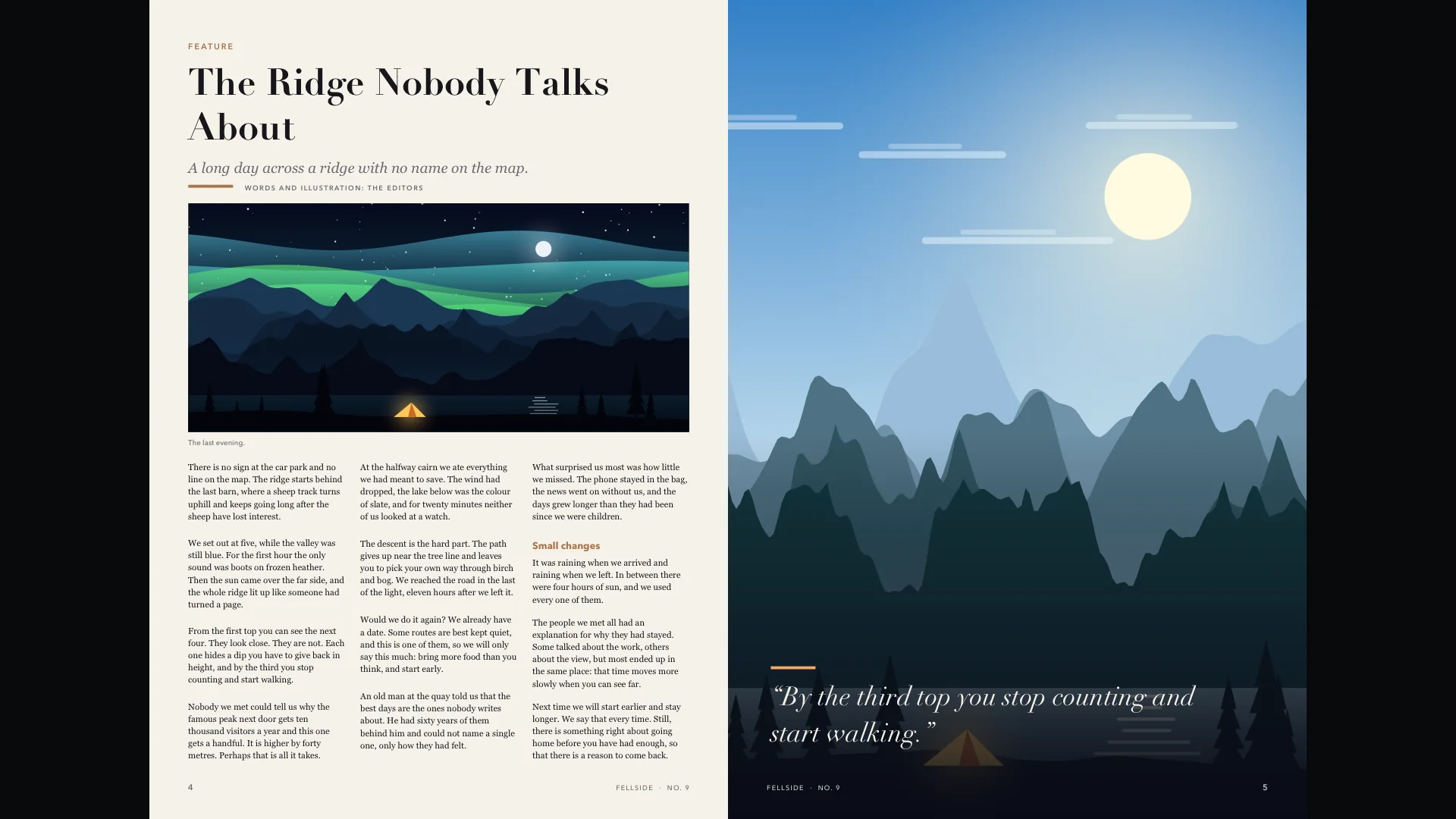
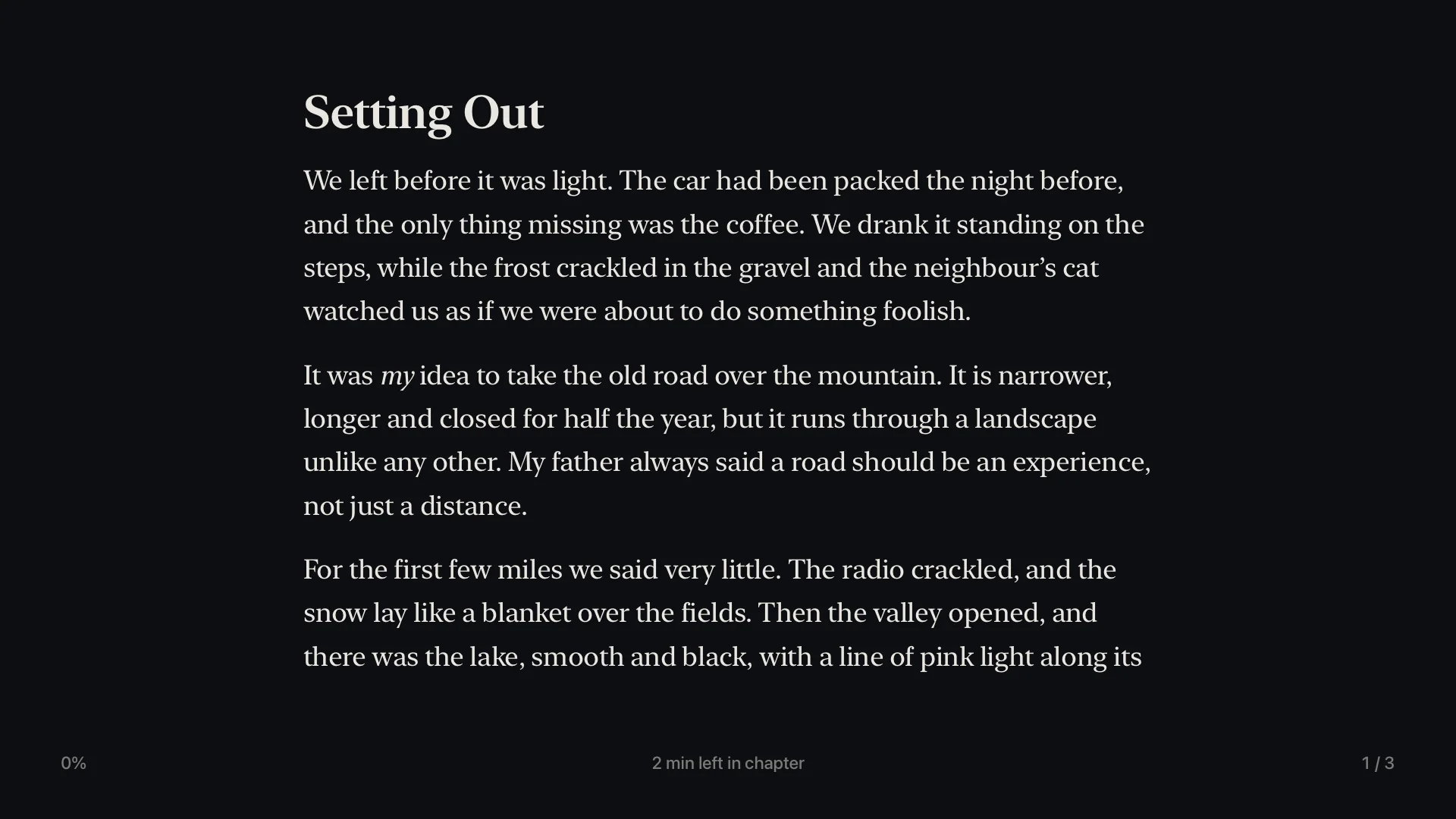
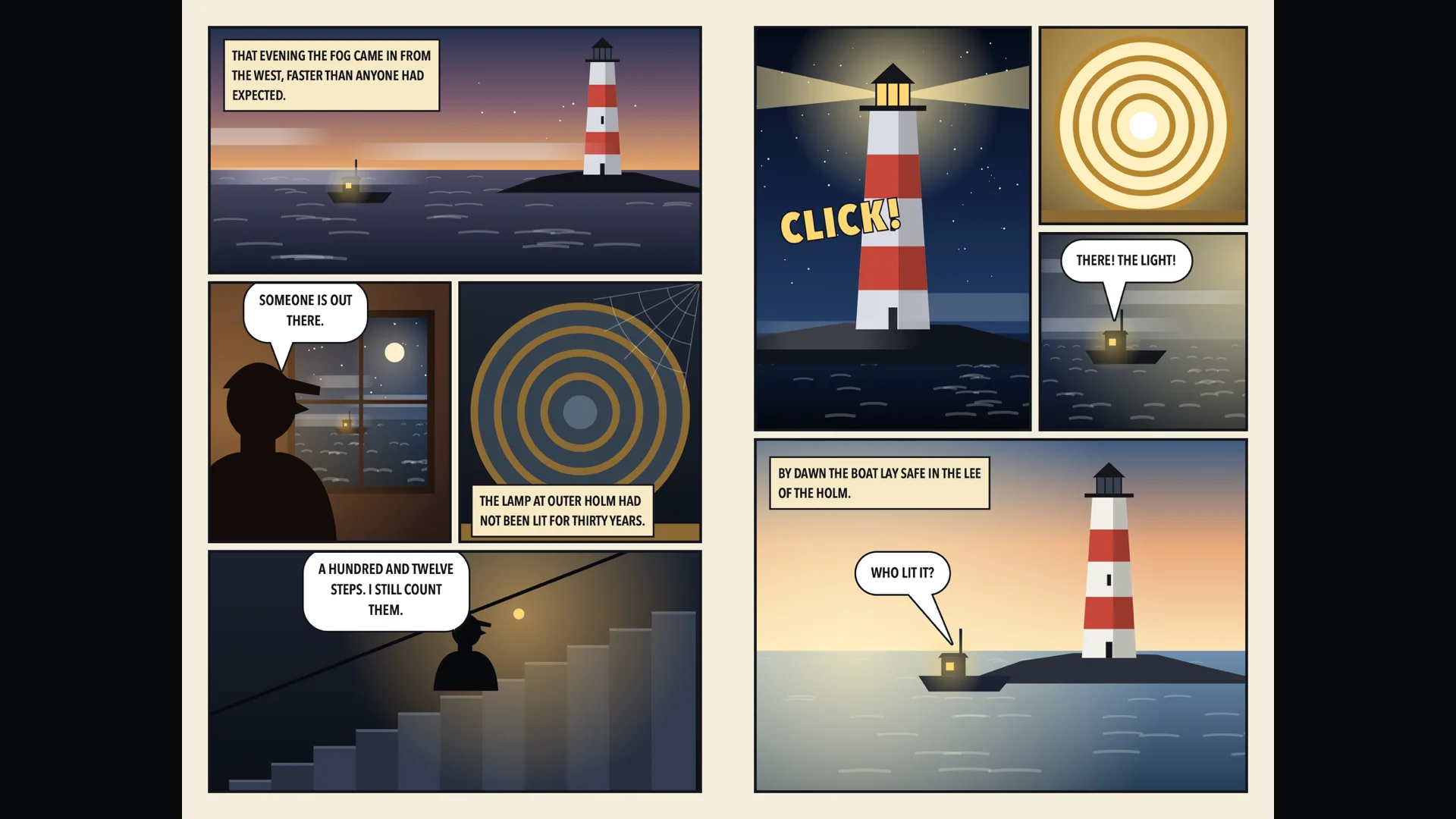
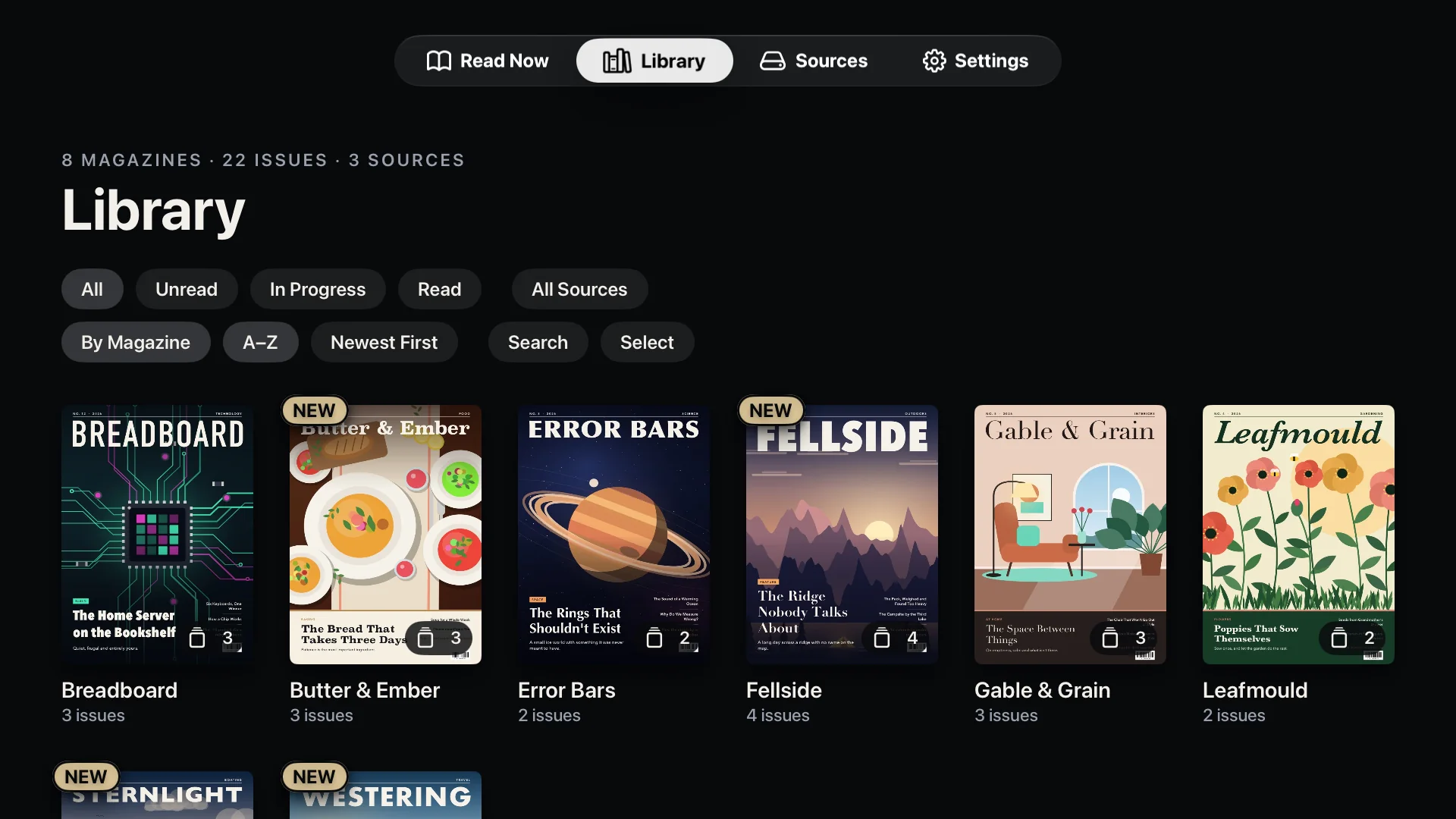
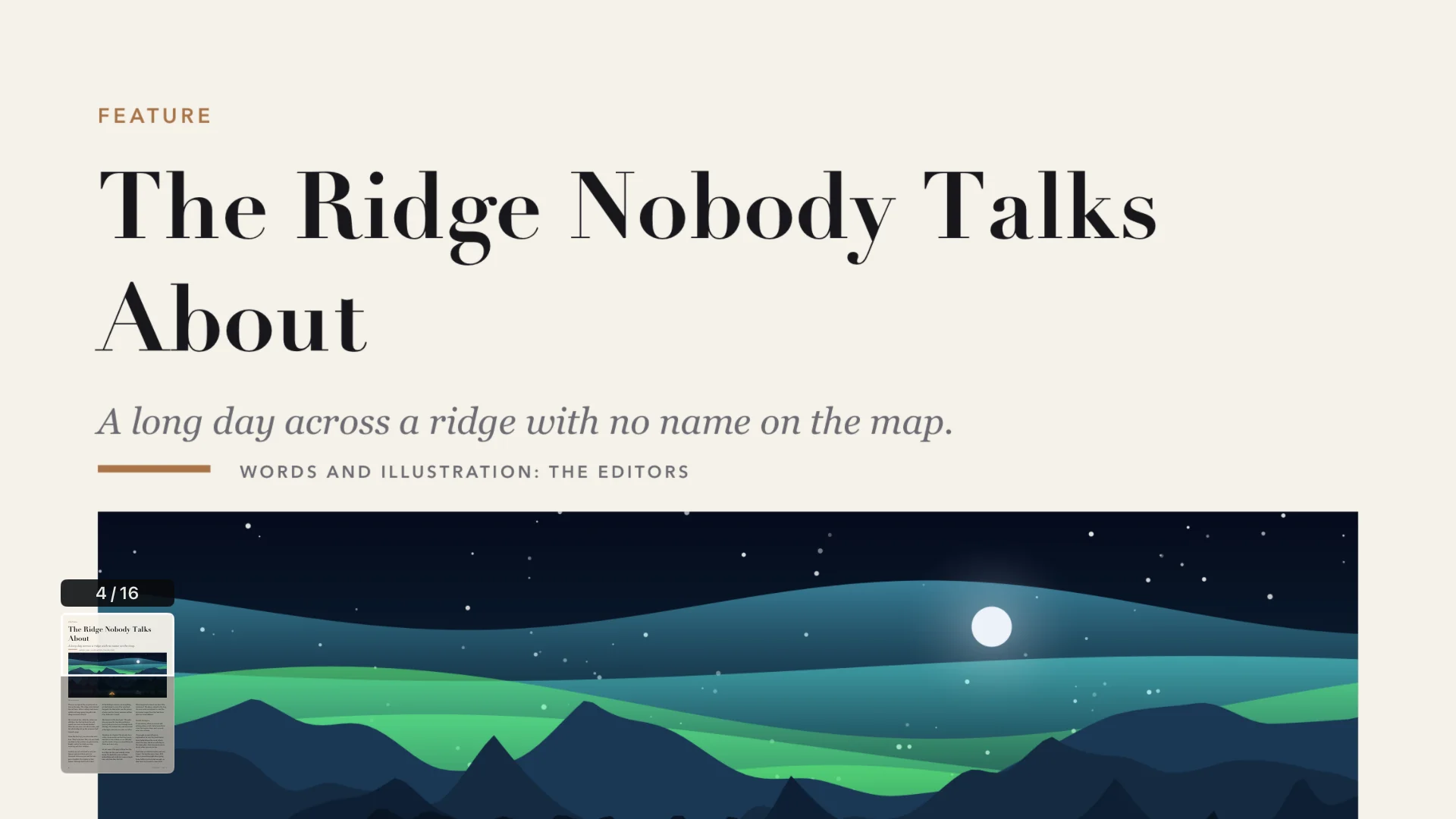
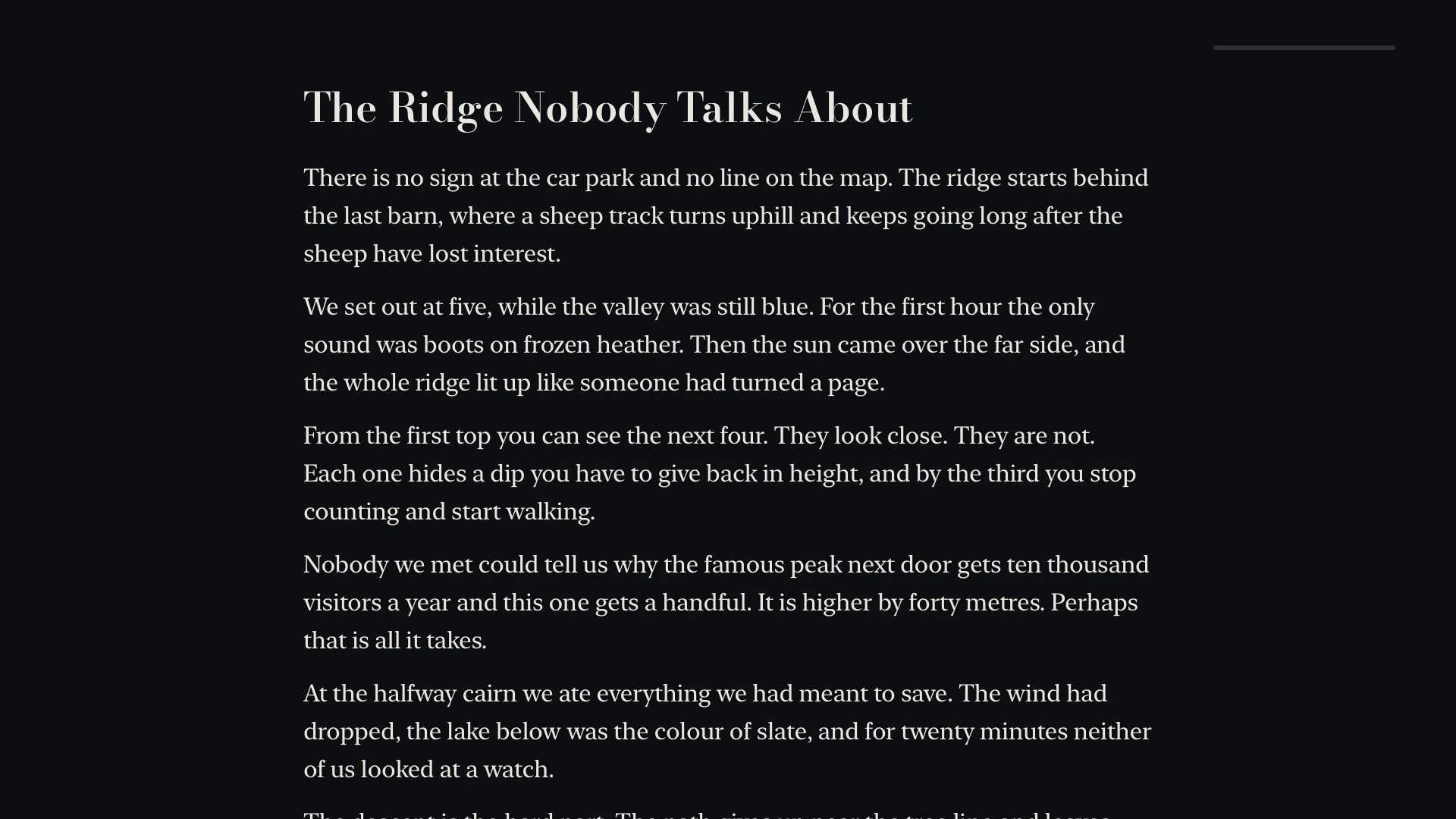
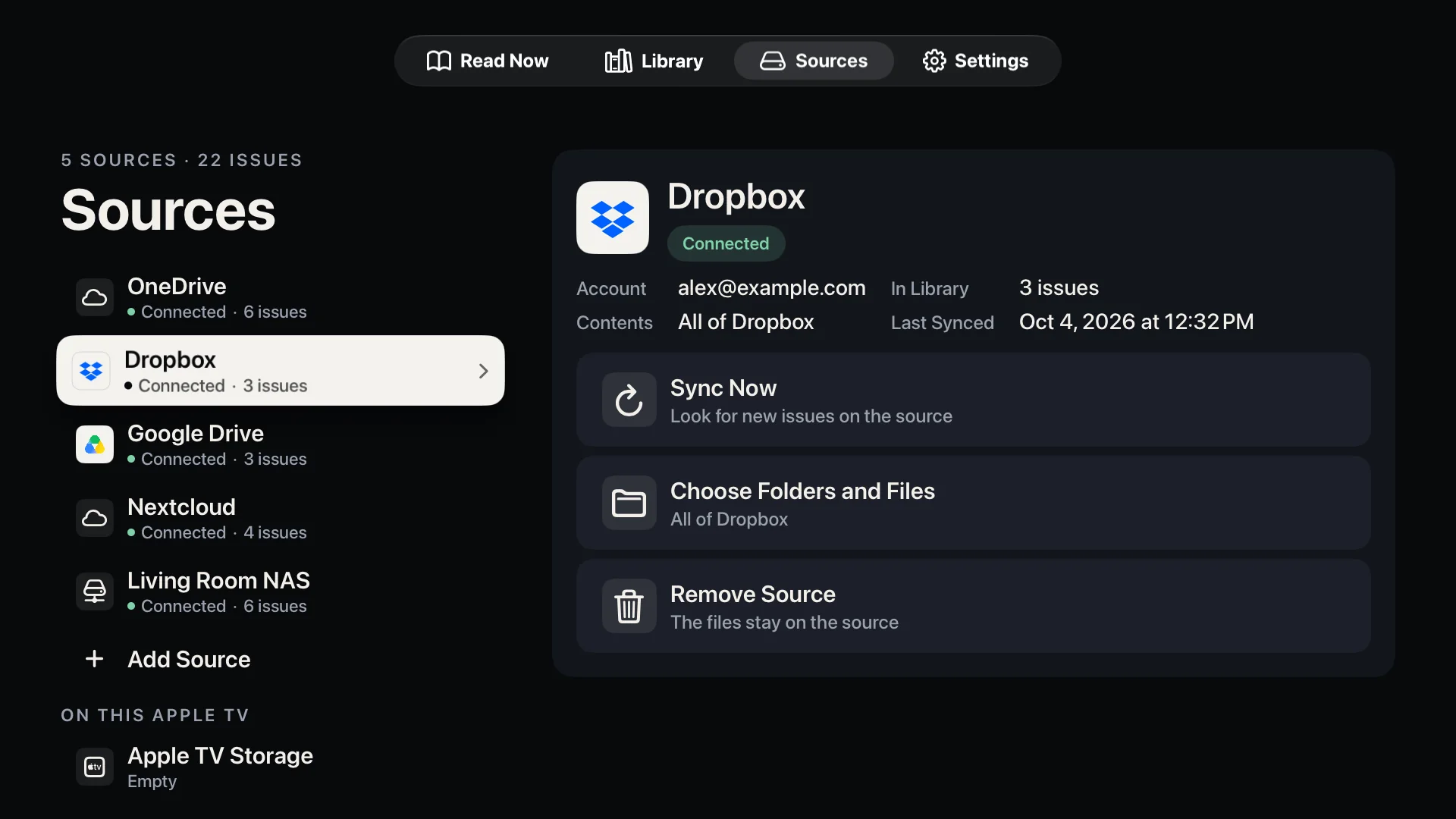
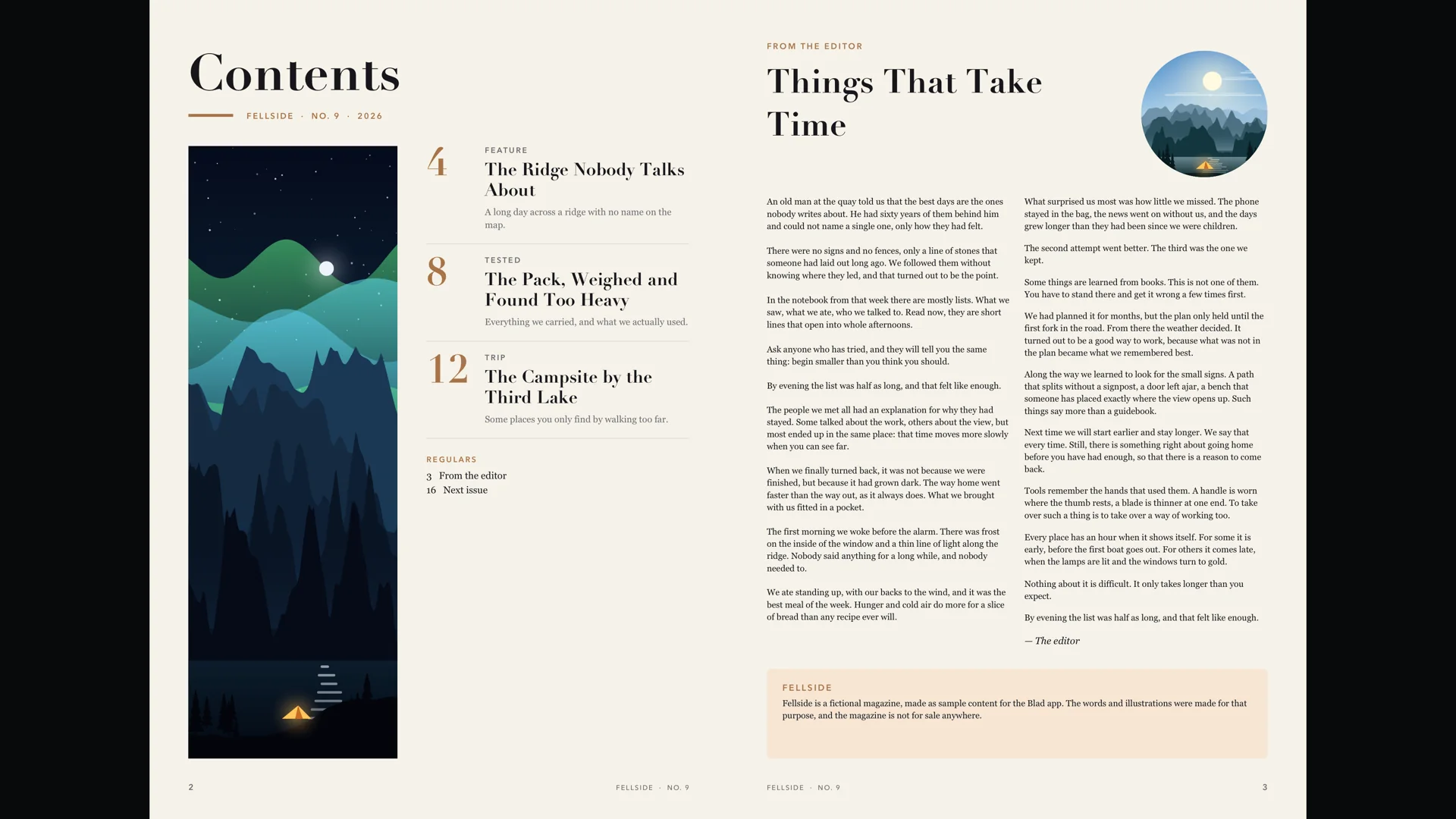
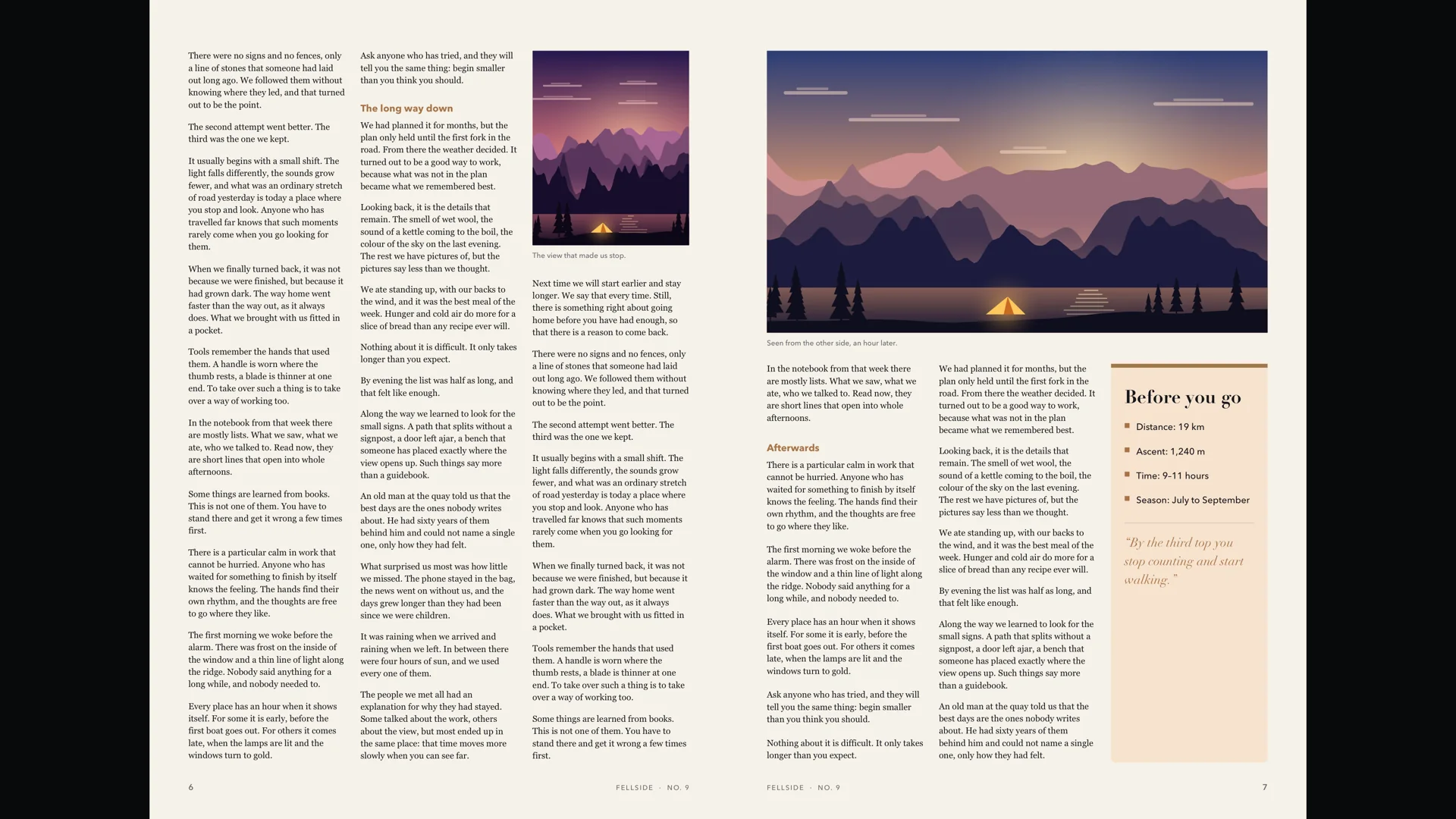
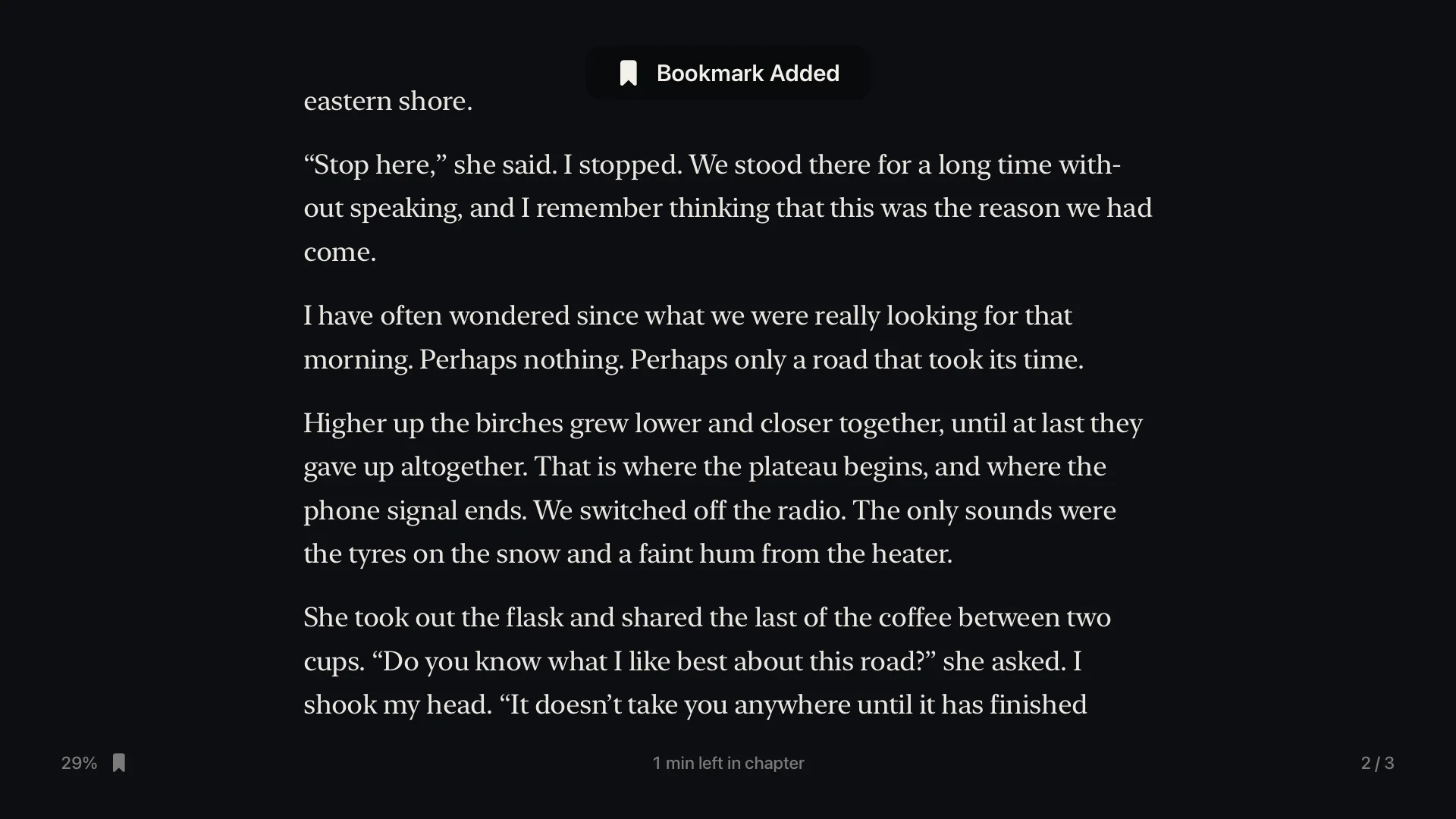
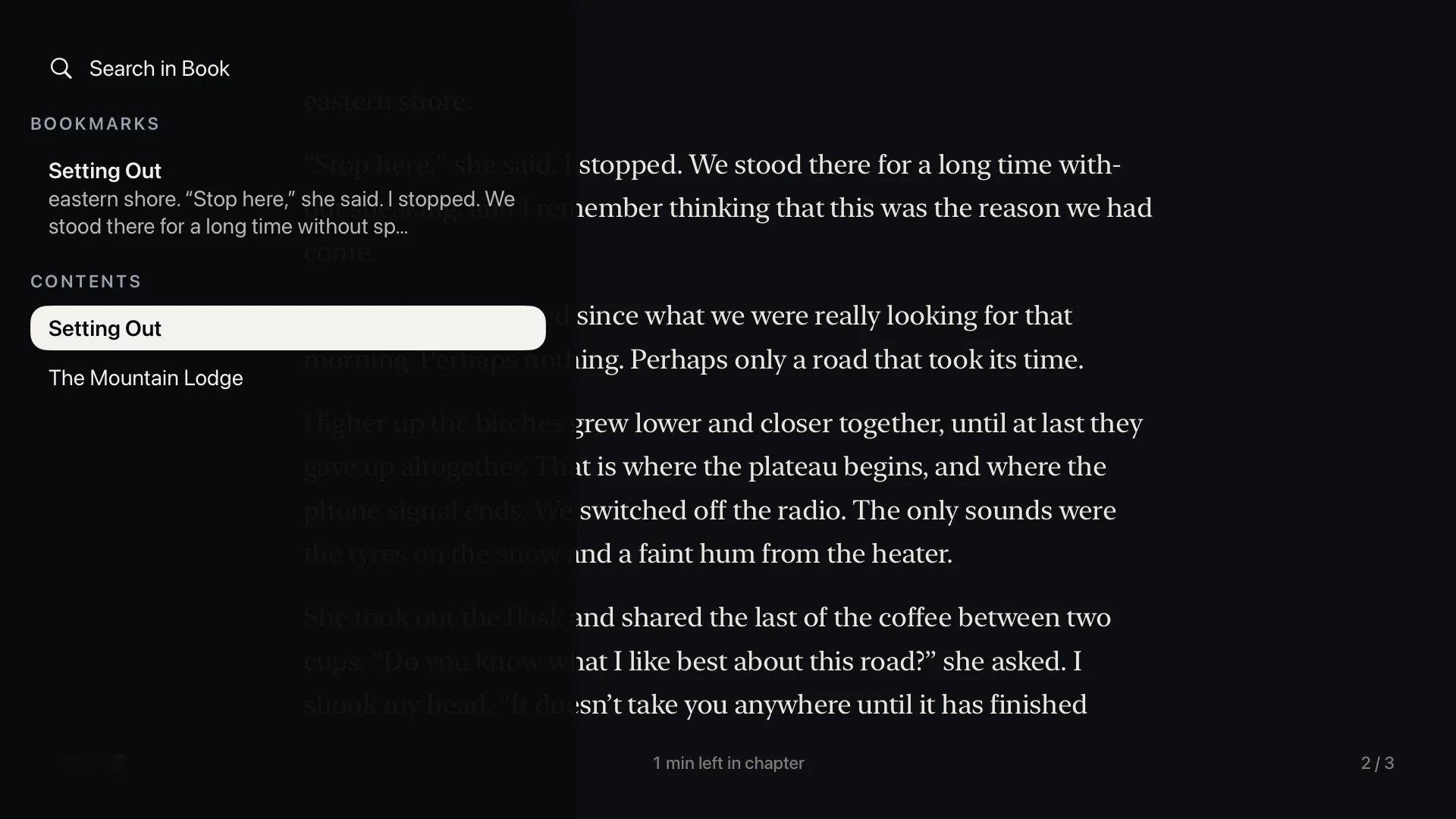
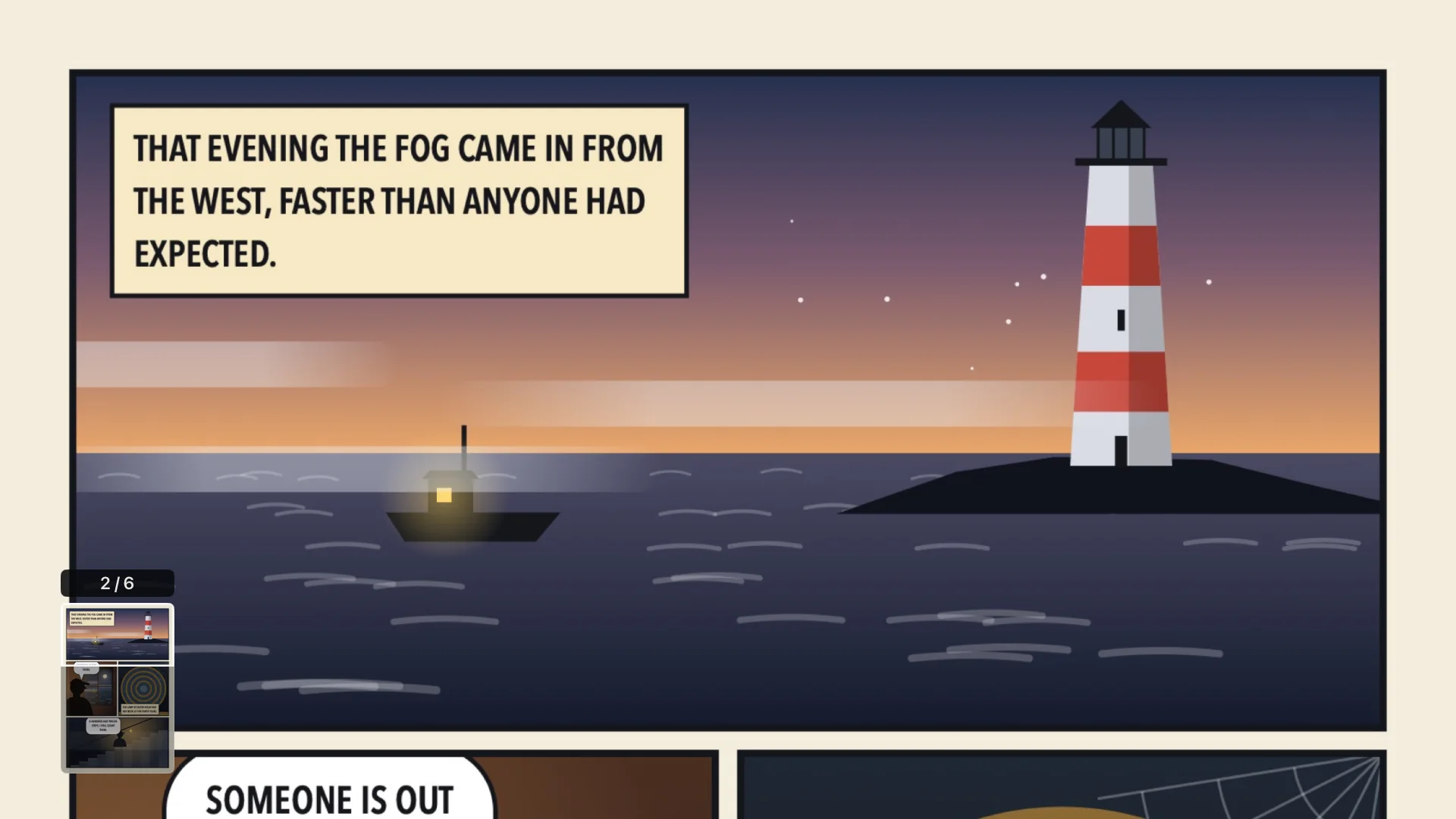
Real screens from the app. Click the TV to try it yourself
Your files stay where they are.
Connect the storage you already use and choose what Blad may read. Blad only reads: it never changes, deletes or shares anything.
- Cloud services
- OneDrive
- Dropbox
- Google Drive
- pCloud
- At home or on your own server
- Network shares (SMB)
- Nextcloud and WebDAV
- S3-compatible storage
- OPDS: Komga, Kavita, Calibre
- No account needed
- Straight from your phone
How connecting works, and sending files from your phone
Sign in with your phone.
For cloud services you sign in on your phone with a code or a QR code, so there is no password to type with the remote.
Then you choose the folders and files Blad may read. Nothing else is touched.
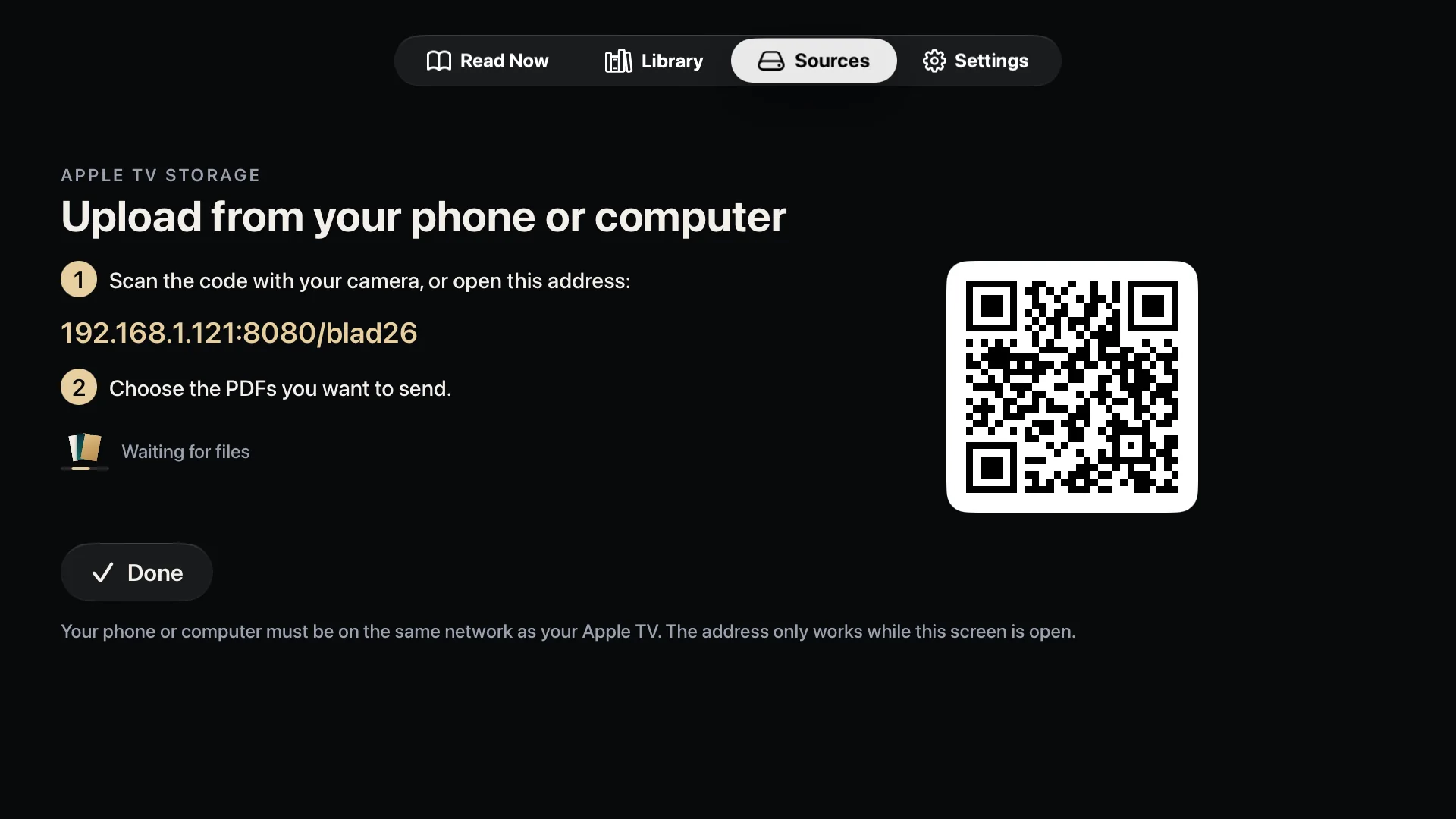
Or just send the files from your phone.
No cloud account and no server? Open Sources on the Apple TV, scan the QR code with your phone and pick the files. They arrive over your home network and show up in the library right away.
It works from a computer too. Type the address shown on the TV into a browser.
Upload takes PDF, EPUB, CBZ and CBR files.
Turn pages, not menus.
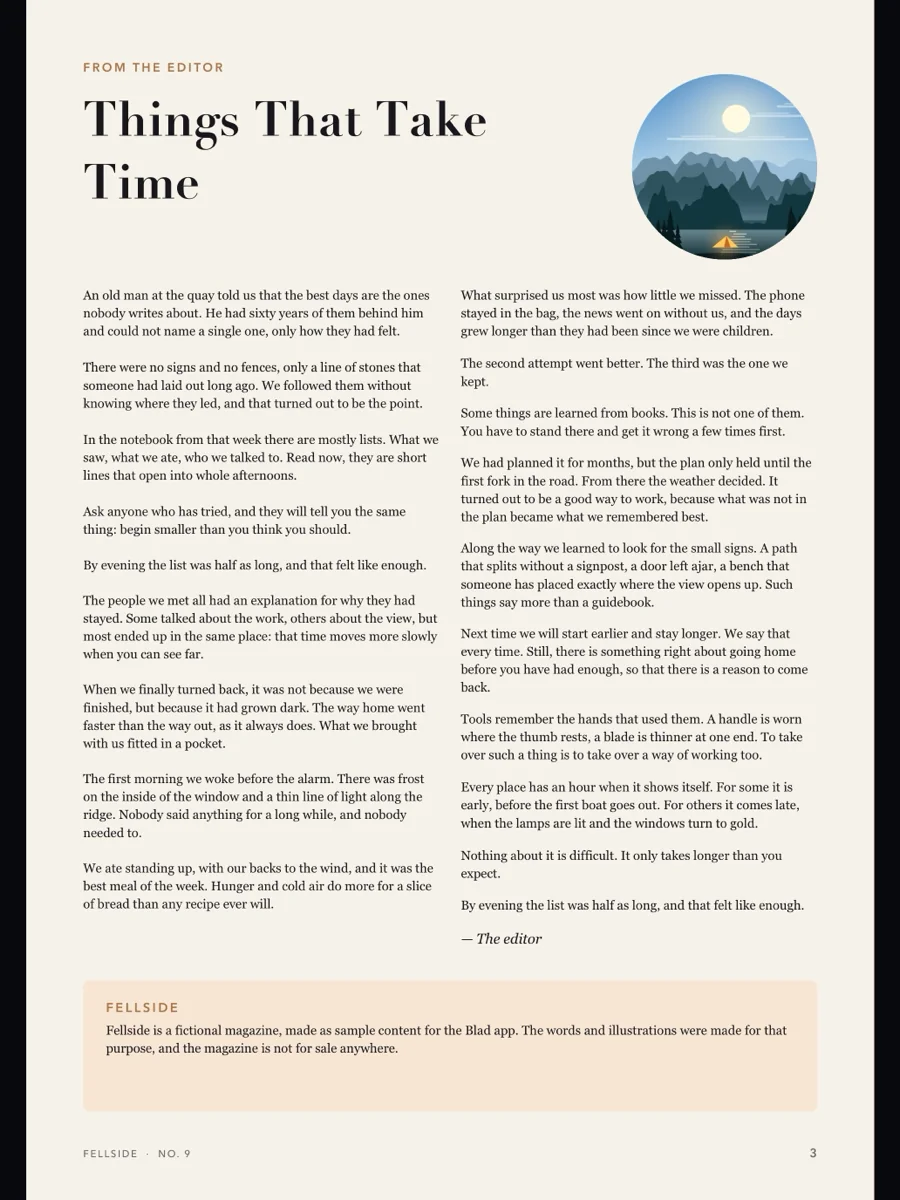
The cover on its own, then two pages side by side, the way the magazine was laid out. Left and right turn the page, and nothing else is on the screen.
More: zoom that stays sharp, and text mode
Zoom in. It stays sharp.
Click once and the page fills the width of the TV. Blad draws the page again for the zoom level you are at, in full 4K and wide colour, so small print stays crisp instead of going soft.
Scroll with the touch surface, and keep reading onto the next page without zooming out. To get closer, zoom on in steps, up to eight times the size of the whole spread, and move around the page with the arrows. Wide pages and slides are shown one per screen.
Small print? Read it as text.
Press Play/Pause and the page becomes one clean column, set in a typeface made for reading. Choose between three sizes and three themes: Night, Paper and Sepia.
Text mode needs a page with real text. Scanned pages have none.
A book fills the screen, too.
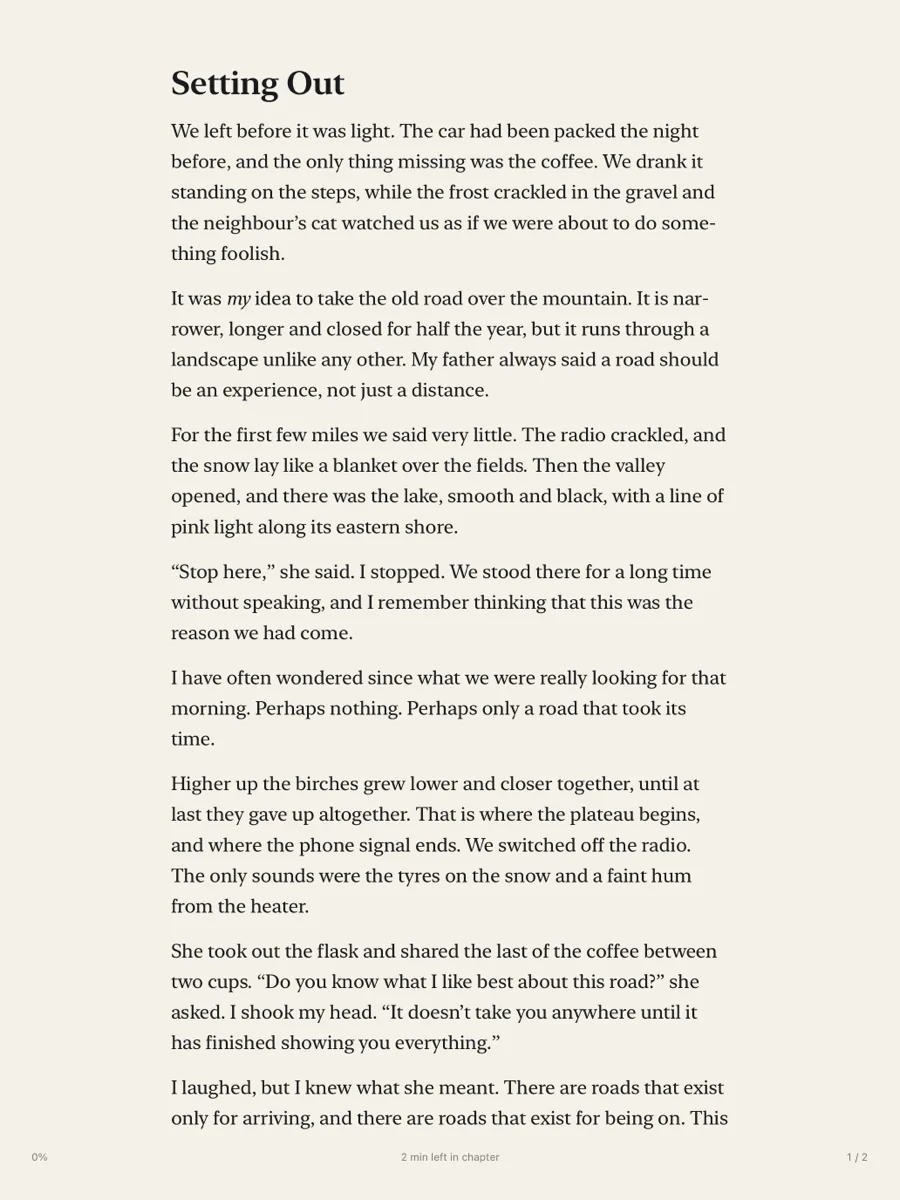
E-books in EPUB, set as one calm column in a typeface made for reading, large enough for the sofa.
Blad reads books without copy protection (DRM). Books that a store has locked cannot be opened.
More: text sizes and themes, bookmarks and search
Left and right turn the page. Choose between five text sizes and the themes Night, Paper and Sepia.
The book opens where you left off. The bottom of the screen shows how far you have come and how much time is left in the chapter.
Bookmarks, search and your place.
Press Play/Pause to set a bookmark on the page. Up opens the table of contents, your bookmarks and a search through the whole book. Down lets you change the text size and the theme, or move to another place in the book.
After a jump, Blad remembers where you came from, so you can always get back.
Comics get the whole screen.
Comics in CBZ and CBR open as two-page spreads. Click to zoom to the width of the page and scroll down through the panels, sharp at every level.
A shelf that keeps itself tidy.
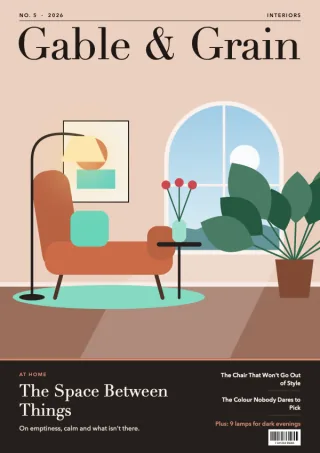
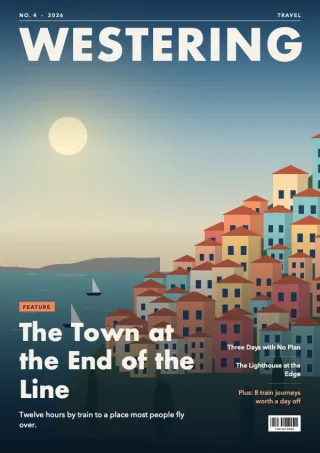
Issues of the same magazine are gathered under one cover, books and comics stand on the same shelf, and Continue Reading takes you back to the page you left.
More: search and sorting, the Top Shelf and iCloud
The newest issue comes first. Search, filter by what you have read or by kind (magazines, books, comics), and sort the way you like.
Continue Reading also works straight from the Top Shelf. With iCloud, your sources and your place follow you to the Apple TV in the next room.
And in your hands, on iPad.
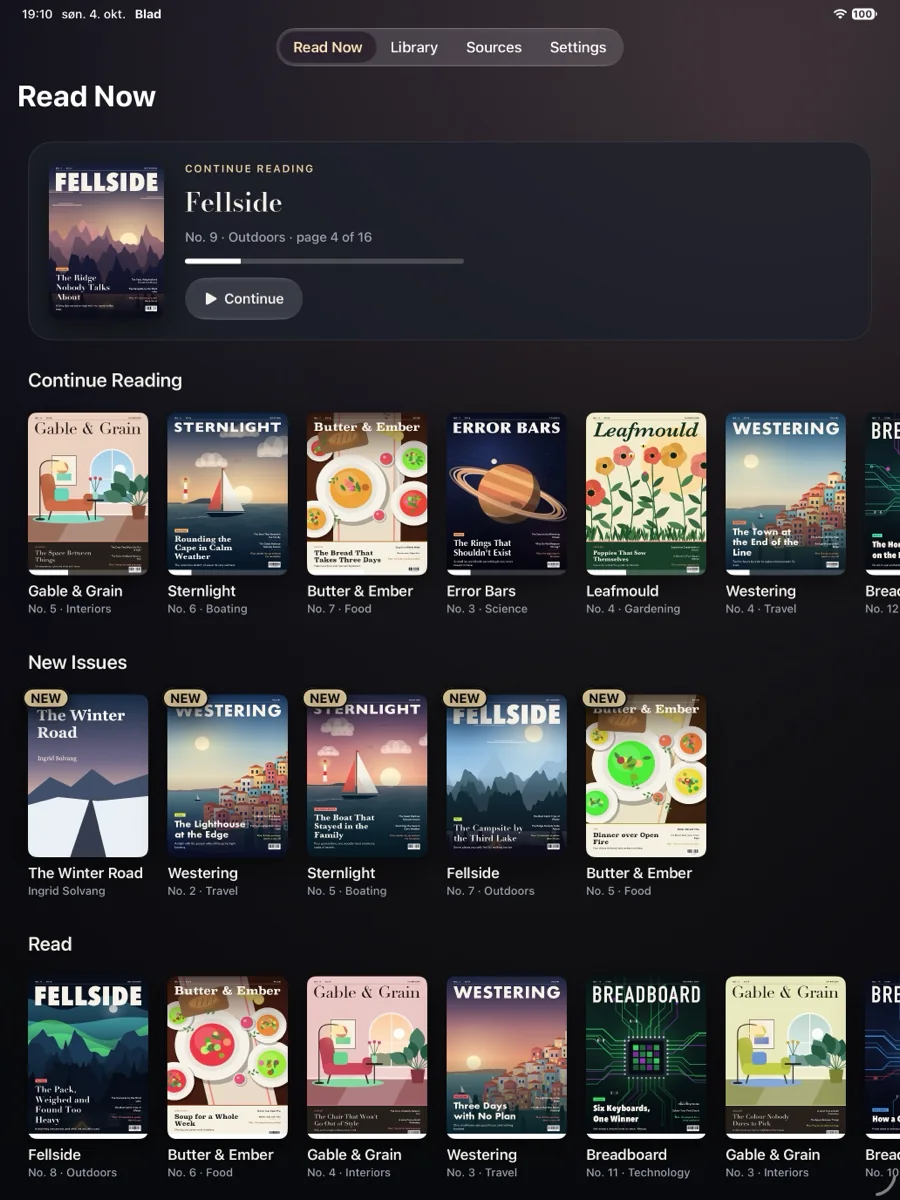
The same library on iPad: swipe to turn the page, pinch to zoom. One purchase will cover both Apple TV and iPad.
More about Blad for iPad: reading, sync, books and comics
Turn the iPad on its side to see the whole spread. Text mode gives you the article as one clean column.
With iCloud, your sources and your place follow you from the TV to the iPad and back.
The same books, closer up.
Blad for iPad will open the same e-books and comics. Touch and hold a word to look it up or translate it, highlight a passage, and keep your notes in one place.
As on Apple TV, Blad reads the files you already own. Files with copy protection (DRM) cannot be opened.
Six buttons. That is the whole manual.
Blad is built around the remote in your hand. Every screen is one step in or one step out, so you always know how to get back.
See what the six buttons do
- ClickOne step in: from the spread to page width, and then closer.
- BackOne step out, every time. Never straight to the Home Screen by surprise.
- Left and rightTurn the page.
- UpAll pages at a glance. Jump to any spread.
- DownReading settings, without leaving the page.
- Play/PauseText mode for the page you are on. In a book, a bookmark.
Private by design.
Blad has no account, no analytics and no advertising. The app talks to your storage directly from your Apple TV or iPad. Read the privacy policy.
No account with us
You never sign up for Blad. There is nothing to log in to and no profile of what you read.
No tracking
No analytics and no advertising in the app. No cookies and no analytics on this website.
Read-only access
Blad asks your storage for permission to read, nothing more. Your files are never changed, deleted or shared.
Try it first. Buy it once.
Blad is free to download. Open five titles, whether magazines, books or comics, and see how it suits you and your TV. If you want more, the full version is a single purchase. It is yours for good, and it works with Family Sharing.
- 5titles freeRead them cover to cover, as often as you like.
- US$8.99onceNo subscription. About the price of one magazine. The price in your country is shown in the app.
Blad in short.
The plain facts, for anyone who wants them without the pictures.
Show the facts: devices, file formats, sources, price and privacy
- What it is
- A reader app for the magazines, e-books and comics you already own as files. Blad has no store and no built-in catalogue: you bring your own library.
- Devices
- Apple TV with tvOS 26 or later. iPad with iPadOS 26 or later is on its way. There is no iPhone version yet.
- File formats
- PDF (also with a password), e-books in EPUB and comics in CBZ, CBR and CBT. Files with copy protection (DRM) cannot be opened, and neither can comic archives with a password.
- Sources
- OneDrive, Dropbox, Google Drive, pCloud, shared folders on your home network (SMB), WebDAV servers including Nextcloud, S3-compatible storage, OPDS catalogues on your own server (Komga, Kavita, Calibre and Calibre-Web), and files sent from a phone or computer over your home network. On iPad also files from the Files app.
- Price
- The first five titles are free. After that, one in-app purchase of US$8.99 (99 kr in Norway) covers both Apple TV and iPad. There is no subscription.
- Privacy
- No account with us, no analytics, no advertising and no tracking. Blad only reads from your storage and never changes, deletes or shares your files.
- Sync
- With iCloud, your sources and your place in each title stay the same on all your devices.
- What it is not
- Not a magazine store, a bookshop or a subscription service, not a reader for copy-protected books, and not a Plex client.
- Availability
- Blad for Apple TV is out now (version 1.3), only from the App Store on Apple TV. Blad for iPad is coming soon: it has been submitted and is waiting for Apple's review.
- Made by
- HANSEN AI, Norway.
Good to know.
Which Apple TV do I need?
Any Apple TV running tvOS 26 or later.
Does Blad come with magazines or books?
Only a short guide to the app itself, Issue One, which you can remove. Blad has no store and no catalogue. It reads the files you already have, from your own storage.
Which files work?
Magazines and other documents in PDF, e-books in EPUB and comics in CBZ, CBR and CBT. A PDF with a password opens when you enter the password, and Blad remembers it. Files with copy protection (DRM) cannot be opened, so e-books bought with a lock and magazines that live inside another reading app usually will not work.
Can I read e-books and comics on Apple TV?
Yes. Blad for Apple TV opens e-books in EPUB and comics in CBZ and CBR, alongside magazines in PDF. If you already have Blad, update it in the App Store on your Apple TV.
Do I have to use a cloud service?
No. You can read from a shared folder on a computer or NAS on your home network, or send the files straight from your phone to the Apple TV.
Is there a version for iPad or iPhone?
Blad is out now for Apple TV. Blad for iPad is on its way, with the same library, the same sources and one shared purchase. There is no iPhone version yet.
Where do I get help?
On the support page, or write to minepassord@gmail.com. We answer as soon as we can.
Blad, format by format.
- PDF reader for Apple TVWhole spreads, sharp zoom and text mode for any PDF.
- Magazine reader for Apple TVWhole spreads in 4K, and a shelf that sorts issues by magazine.
- E-book reader for Apple TVEPUB in large, calm type, with bookmarks and search.
- Comic reader for Apple TVCBZ and CBR comics as two-page spreads, with zoom to page width and closer.
- How to read a PDF on Apple TVAirPlay or a reader app: the two ways, step by step.
- Blad at workMeeting rooms, training rooms and the screen on the wall: what Blad does there, and its limits.
- SupportEvery source step by step, and how to reach us.
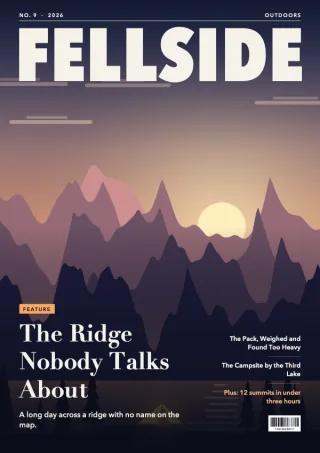
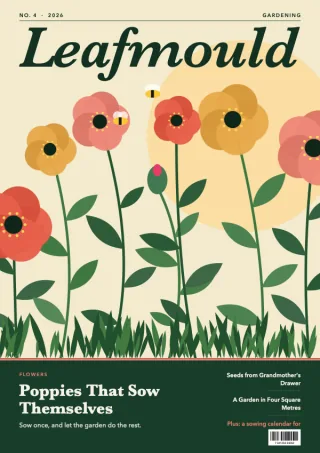
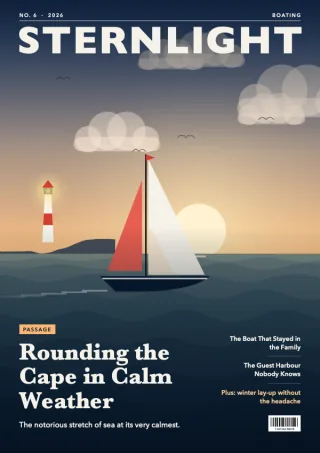
Your library, on the TV in your living room.
Blad for Apple TV is out now, only from the App Store on Apple TV. Blad for iPad is coming soon.